
Built for we, not me
One Premium subscription will cover the whole household. You will be able to invite your partner at no extra cost, with stock syncing in real time, so a bottle opened on Friday disappears from both phones.

Your household wine cellar & sommelier
What should we open tonight?
HomeSomm is being built for a household that shares a wine rack, not for a lone collector's inventory tool. It will know every bottle in the house and tell you which one belongs with tonight's dinner.
One Premium subscription will cover the whole household. You will be able to invite your partner at no extra cost, with stock syncing in real time, so a bottle opened on Friday disappears from both phones.
HomeSomm will be the first wine app with an MCP server, so ChatGPT, Claude or Gemini can see what's actually in your cellar and answer from it. Included with Premium at launch.
No palate profiles, no 3D cellar builder, no valuation tools, no marketplace. Just what's in the wine fridge and what to open tonight.
Unlimited bottles on every plan, free included. The free plan is one user with monthly caps on scans, AI fill and sommelier requests. Premium is one subscription for the whole household: unlimited AI, household invites and assistant access, at a fraction of what comparable wine apps charge. Read the wine app for couples or the 2026 comparison of every wine app.
Made for home, not for the trade
One is a database with a thousand fields you'll never fill in. The other rates bottles you don't own and can't buy tonight. Neither helps at seven o'clock on a Tuesday, standing in front of your own wine fridge.
HomeSomm is being built to sit in between: light enough to actually keep up to date, smart enough to recommend from what's already in the house.

You like wine, you don't want a hobby about wine. You want the right bottle out of the cupboard tonight.
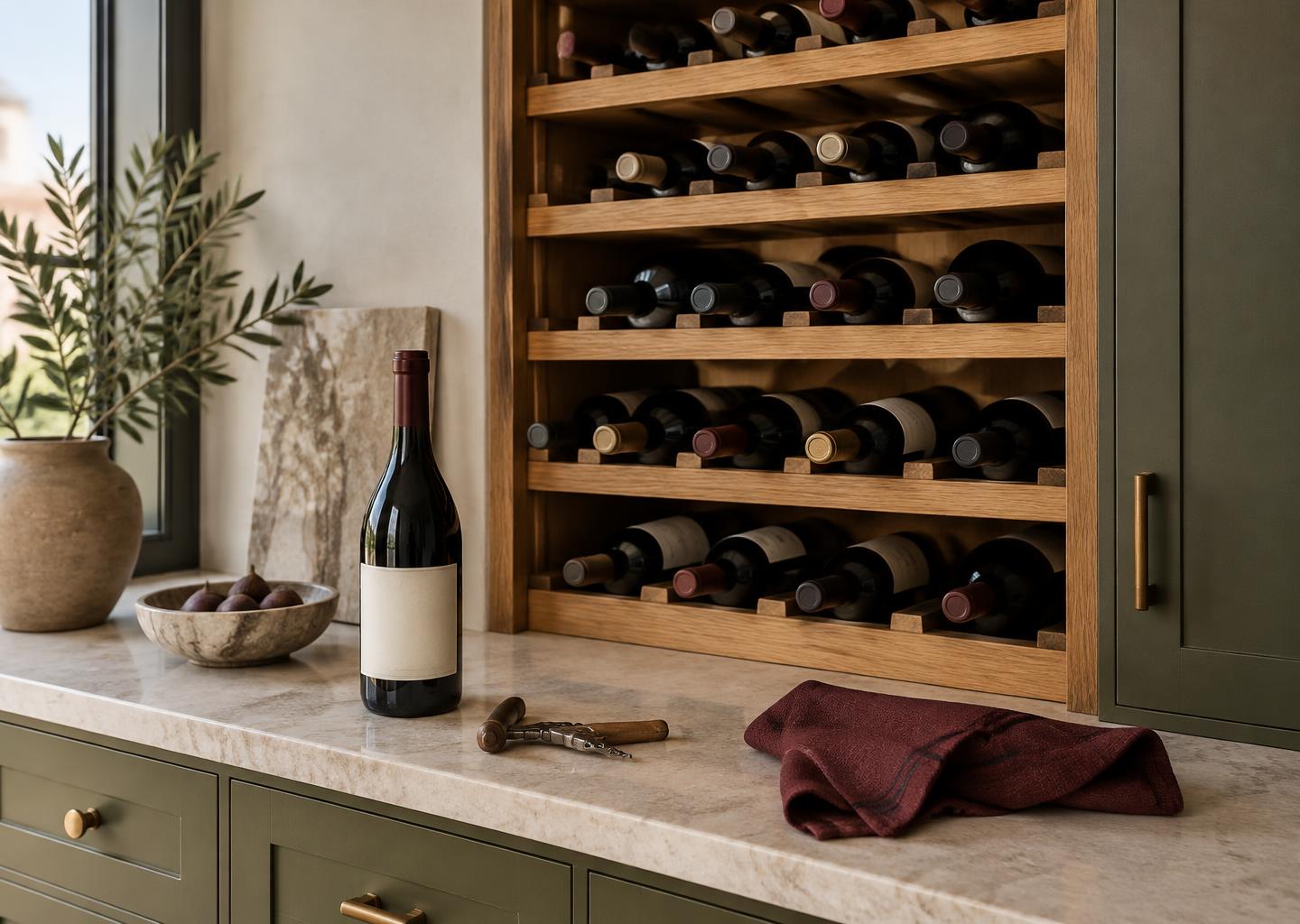
A wine rack, a cellar corner, a few cases under the stairs. Enough that you've lost track of what's ready.

Two people adding, drinking and gifting bottles. One shared list everyone can actually keep current.
Every bottle in one clear list: vintage, region, grape, price, where it sits at home. You will be able to filter and search until you find it.
Describe the meal or the moment. You will get a few honest picks, chosen only from bottles you actually own.
A running list of what's peaking now, so nothing will quietly slip past its window at the back of the wine shelf.
Snap the label, or type a name and year. AI will complete the tasting notes, pairings and drinking window in one tap.
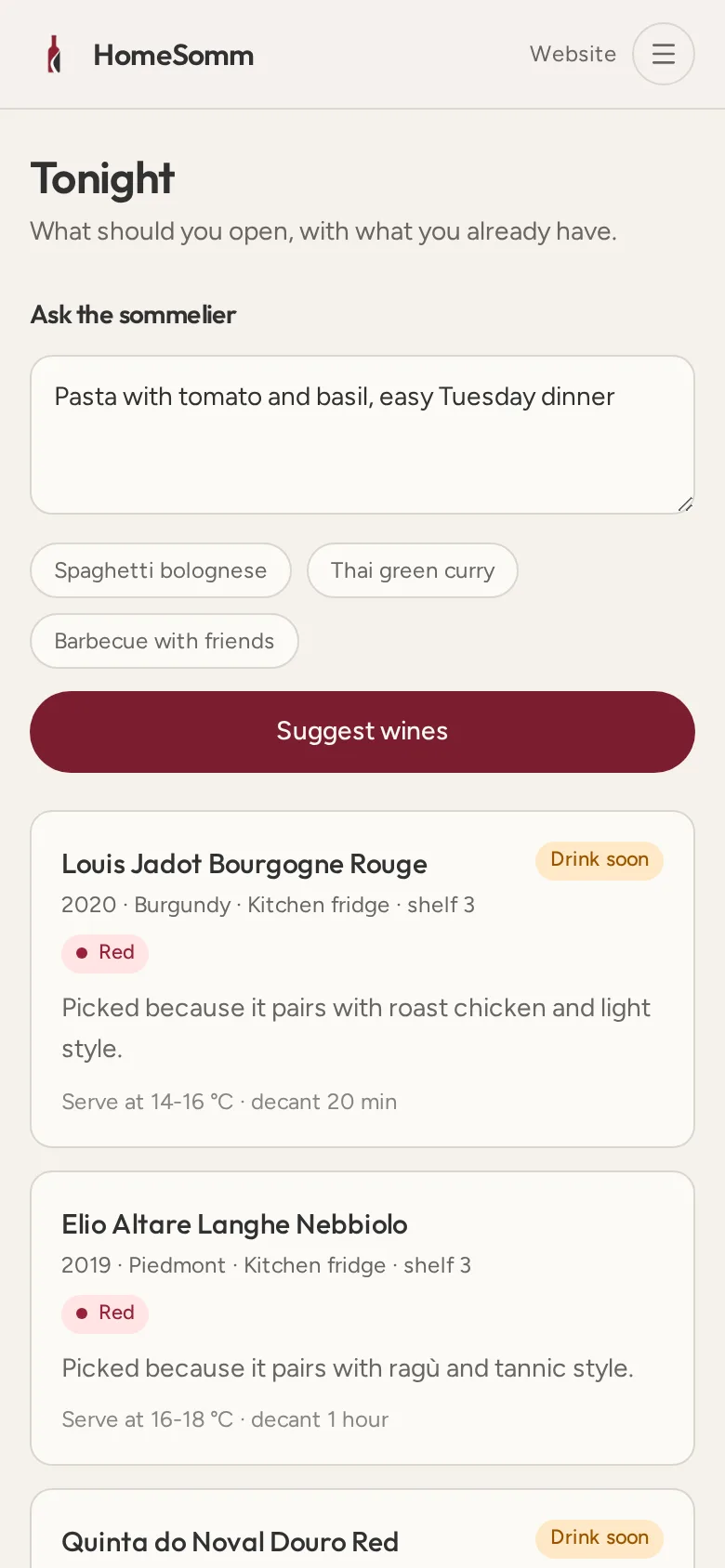
Sommelier
Roast chicken with lemon and rosemary, four of us, nothing fancy.
Elio Altare Langhe Nebbiolo 2019
Bright acidity cuts the roast fat; tannins soften with the potatoes. Decant 30 minutes.
Château Guiraud 2016
Your window closes next year, so tonight is a good night to open it rather than save it again.
Every suggestion will weigh the drinking window, so the bottle you should open sooner gets its turn before the one that's still growing up.
Personal Cellar
Add what you care about, skip what you don't. Scan the label or type a name and year, and AI will fill the tedious fields for you.
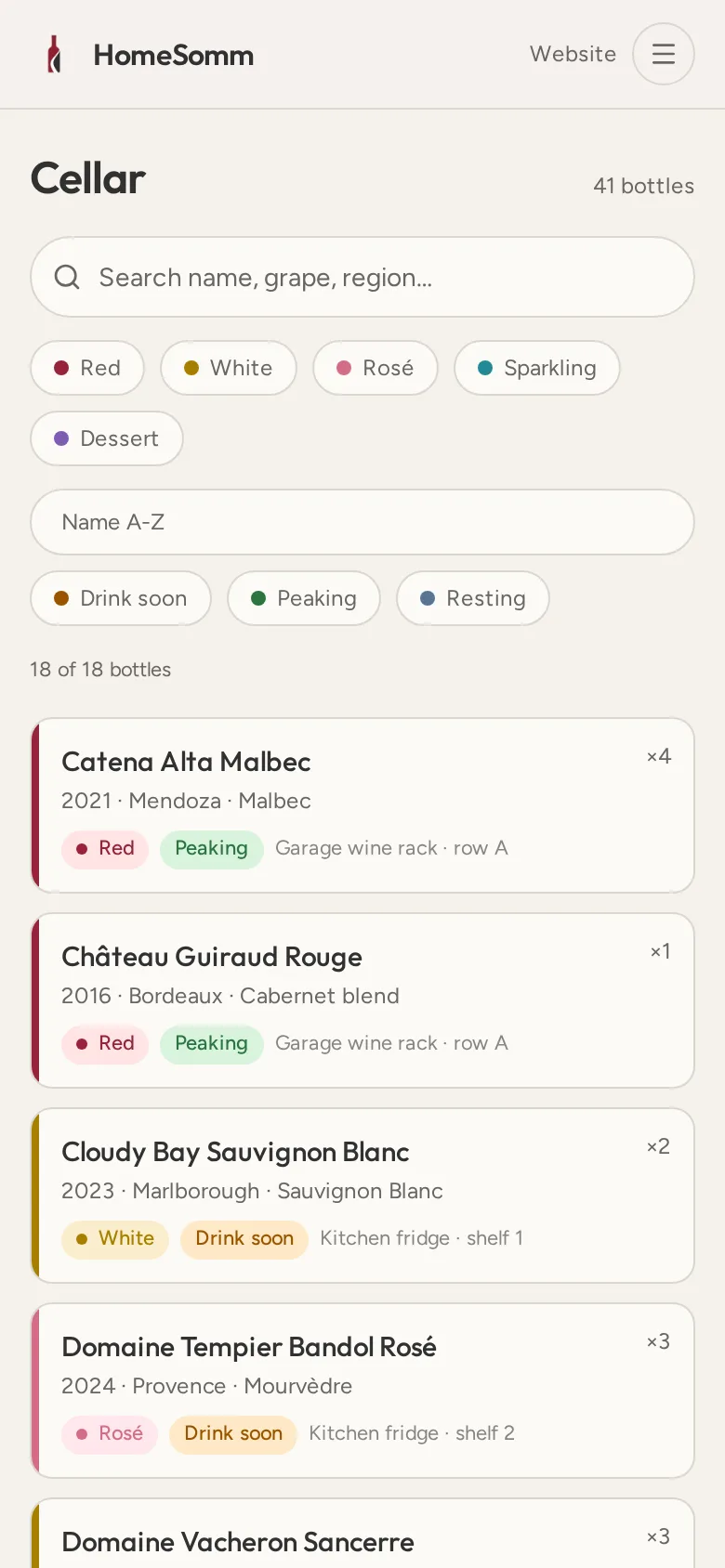
Adding bottles
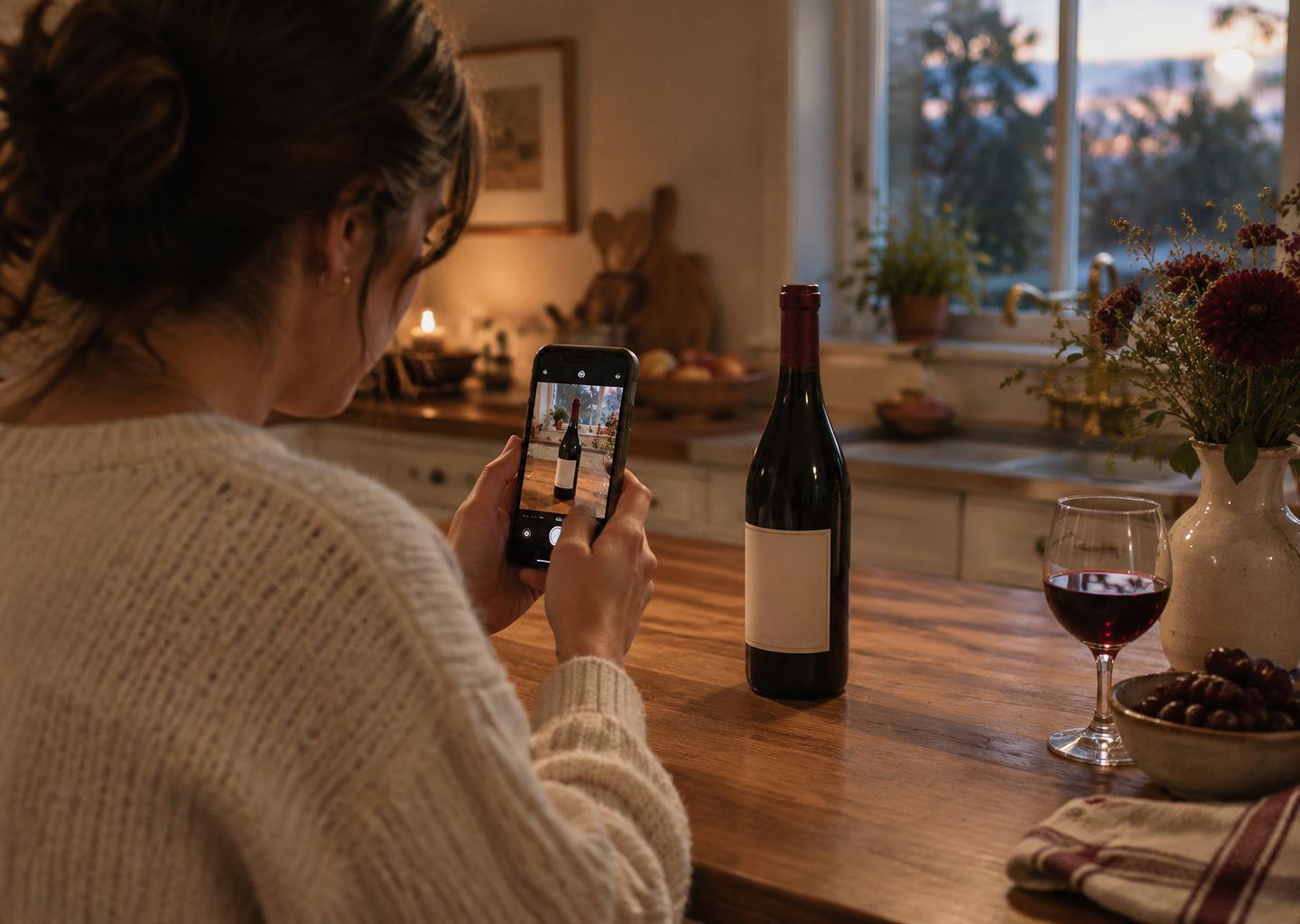
Scan the label, or type a name and year. HomeSomm will recognise the bottle and complete region, grape, drinking window, serving temperature, decant time and pairings, so a new bottle takes seconds rather than a form.
At launch, label scans and AI completion will be capped on the free plan and unlimited on Premium.
Add a bottle
Reading the label…
Switching is easy
No need to type your collection in again. Export your current wine list and upload it to HomeSomm. We read it, fill in the details, and your cellar is ready.
Download your list from CellarTracker, Vivino, Excel or wherever your wines live today.
Drop the file into the app. CSV, Excel, PDF or even a photo of a handwritten list.
Our AI reads every bottle, completes regions, grapes and drinking windows, and lets you review each one.
Works with CSV, Excel, PDF and photos of lists.
HomeSomm is coming to iOS and Android in 2026. Leave your email and we'll let you know as soon as invites open.